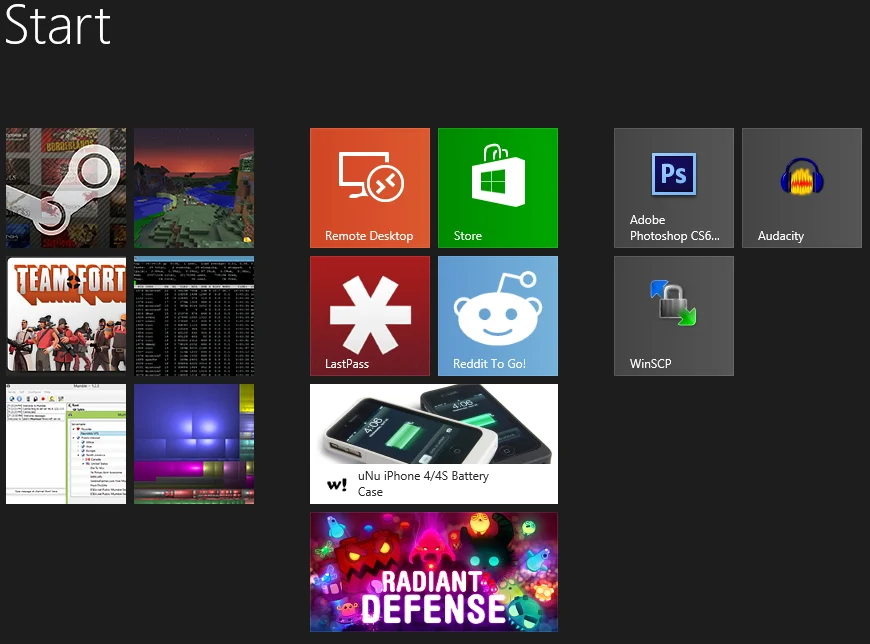
As mentioned, I dove straight into Windows 8 at launch and it's apparent that Microsoft has put a lot of effort into making it a prettier OS. Unfortunately, the very first thing you're greeted with every boot is the "don't call it Metro anymore" Start screen full of unattractive and undersized shortcut icons. Since there's no built-in way to specify a different tile image, an outstanding XDA dev forum member developed OblyTile, a barebones but growing program to create working custom start tiles from PNG images.
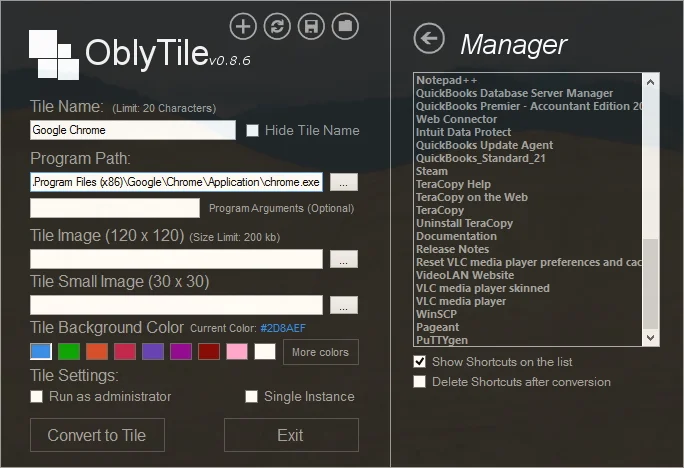
All you need to do is grab an icon or screen capture as a .png (I recommend PicPick to lock your screencap at a 1:1 aspect ratio), scale it down to 120x120px, and fill in the name and path. It's capable of doing any shortcut that a desktop icon can, including steam:// game links and Internet bookmarks. As pictured below, the tiles in the left column look undeniably better than normal shortcuts at the far right, and I'd even put them ahead of the precious little interesting app store content in the middle.